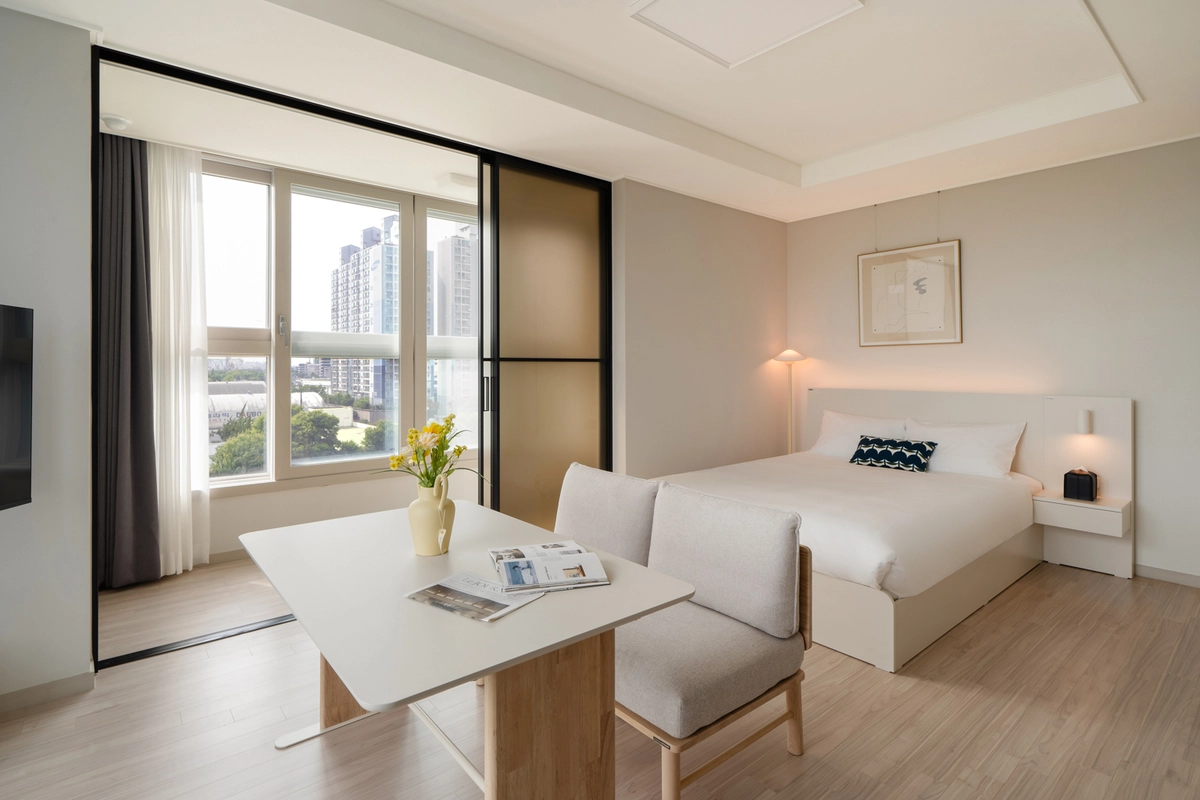
SamSam M2 listings — what if photos don’t match the real place?
You find a room you like on SamSam M2, then see a review saying “Photos are different” and get nervous.
It’s even harder with short-term rentals you can’t visit before signing. Here are quick checks you can do in 5 minutes before you sign to spot misleading listings.
Why do misleading SamSam M2 listings appear?
Not all misleading listings are scams.
Most photo–reality gaps come from three things.
① Using photos from before remodeling
② Uploading photos of a different unit or floor as the main image
③ Overediting with apps (wide-angle, lighting tweaks)
Some are intentional, but many happen from poor management.
Either way, the habit of checking before signing matters most.
How to spot a misleading listing before signing
① Check recent review photos first
Listing photos can be old, but review photos come from actual guests.
Start by seeing if there are photos in reviews from the last 3 months.
② Compare furniture and layout with review photos
If furniture placement or window positions differ between the main photos and review photos, be cautious.
If the same room looks structurally different, it’s likely a photo of another unit.
③ Watch out for overly wide-angle shots
Wide-angle lenses make rooms look much larger than they are.
If you can’t judge size from photos, ask for exact measurements.
④ Ask for a live video call before paying the deposit
Request a short video call or live photos from the host.
Most legitimate listings will agree without issue.
⑤ Confirm the address and building name first
Check whether the host provides the exact building name and unit number before contracting.
If they keep delaying address info, be more suspicious.
What if a SamSam M2 listing’s photos differ from the reality?
Can I get a refund if a SamSam M2 listing differs from photos?
If you haven’t moved in yet, you can cancel the contract and request a refund.
If you find the issue after moving in, first report it to customer service with the listing photos and your own photos attached.
It’s best to take evidence photos on the day you move in.
Is there a way to avoid photo mismatches beforehand?
The most certain way is to choose listings managed directly by the company.
When individual hosts upload photos themselves, photo quality and accuracy vary by listing.
Is there a short-term rental with no fake-listing worries?
plott LIFE direct listings are photographed and managed by the company.
So you don’t have to worry about photos not matching the actual condition.
Item | SamSam M2 | plott LIFE direct listings |
|---|---|---|
Photo shooting & management | Host photos | Company-shot & managed |
Photo–reality match | Varies by listing | Consistent condition |
Pre-contract checks | Rely on reviews | Company-verified info available |
Source: SamSam M2 · plott LIFE official websites (as of 2026)
SamSam M2 misleading listings — FAQ
Q. Where do I report a misleading SamSam M2 listing?
A. Report to SamSam M2 customer service with a screenshot of the listing page and your own photos attached.
Make sure you secure evidence photos before filing the report.
Q. Can I check a listing without visiting?
A. A live video call or requesting extra photos is the most reliable way.
Compare those with recent review photos for better accuracy.
Q. If it’s a direct listing, will the photos be 100% accurate?
A. plott LIFE direct listings are company-shot and managed to keep conditions consistent.
Still, furniture placement and small details may vary slightly depending on move-in timing.
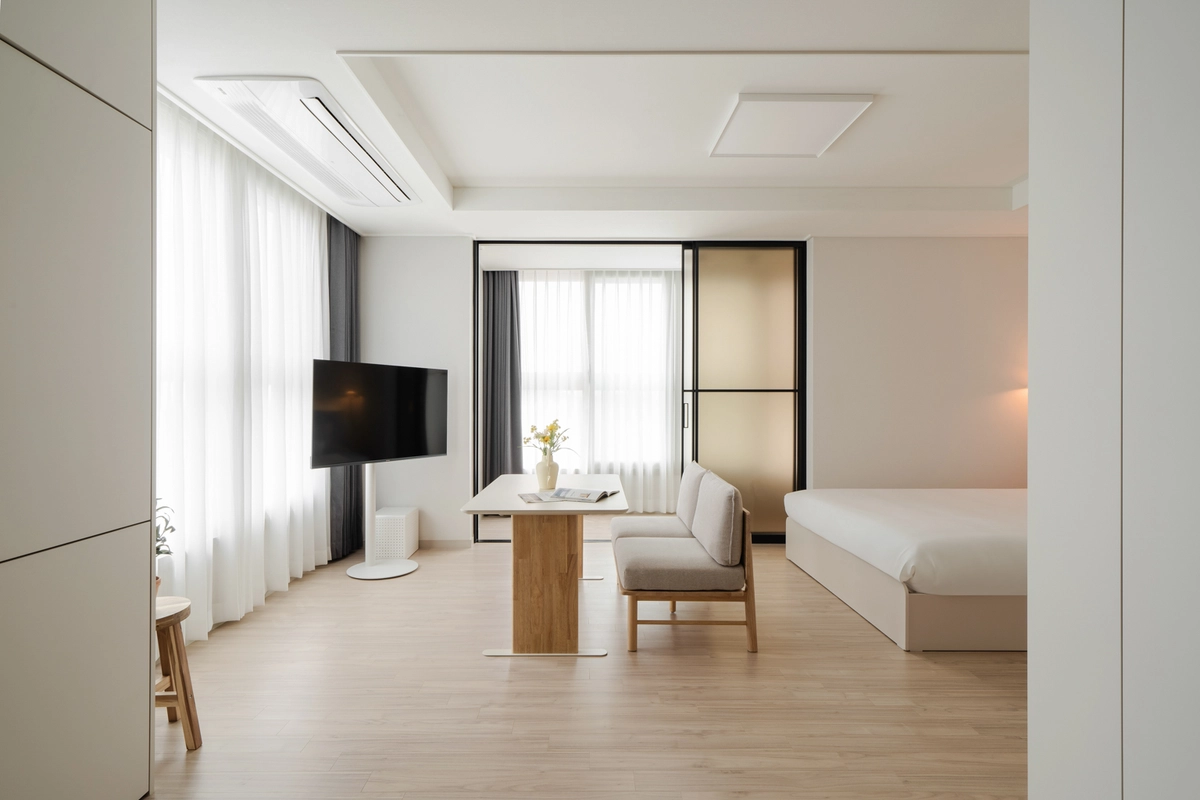
Trust the photos — don’t be anxious
plott LIFE direct listings match the photos. Compare them with SamSam M2 and choose with peace of mind.
plott LIFE — a fail-safe short-term rental platform
₩0 deposit · direct listings match photos · weekly contracts · fully furnished studios