All about short-term rentals
From temporary stays to short-term rental guides — helpful tips that make life easier.
Latest
Pet-friendly short-term rentals: 3 rules to set before disputes arise
A guide to setting pet limits, checkout inspections, and extra charges before offering a pet-friendly short-term rental.
Worried that allowing pets might lead to a dispute over the room after checkout?
Thinking about allowing pets in your listing on plott LIFE?
You may be concerned about fur, odors and scratches—but it can feel like a shame to say no.
"If the room gets damaged, who’s responsible—and for what?"
"What if a guest brings a large dog when I haven’t listed any conditions?"
Here are 3 things to decide before allowing pets.
This guide is for
① Hosts deciding whether to allow pets
You want to know what to set in advance.
② Hosts who allow pets but haven’t set clear conditions
You want to know what to include in your listing and what to check after checkout.
Before allowing pets, decide these 3 things
plott LIFE has a “Pets allowed” filter in the listings, and a “Pets welcome” tag on each room’s details page.
Guests can use the filter to see only pet-friendly rooms.
How many pets, and what kinds, will you allow?
Decide whether your rules are based on pet type, weight or number, and add them to your listing.
Here are a few ways to phrase your conditions:
①Leave it open to discussion, such as “Pets by arrangement”
②Ask guests to check with you about size and number before moving in
③Set a weight limit and invite guests to ask before booking
Specific weight limits are easier for you to answer and help guests know upfront if their pet is a fit.
If you only say “Pets allowed,” guests may assume there are no restrictions.
How should I inspect the room and take photos after checkout?
Inspect the room within 3 days of checkout and take photos if needed.
Here’s the official checkout process on plott LIFE:
①Confirm checkout: Make sure the guest has checked out by 11:00 on checkout day. The guest will let you know when they’ve left.
②Inspect the room: Within 3 days of checkout, check for missing or damaged items and the cleaning condition. Take photos if needed.
③Request compensation: If anything is missing or damaged, tap the compensation request button to contact plott LIFE.
④Get guidance: plott LIFE will explain compensation and any charges.
It’s easier to assess the room when you have a baseline, so take photos after cleaning and before move-in.
Hosts are expected to share photos of the cleaned room with guests by the day before move-in. Keep a copy for your records.
Photos are recommended, not required.
Where should I list extra cleaning fees or other charges?
Include them in your room description so guests can see them before signing.
Official guidance says that if you charge a separate management fee, set the included items and amount when creating your listing, and state the charge, payment method and billing cycle in the room description.
Unclear or inaccurate descriptions can lead to disputes.
The checkout cleaning fee is charged once at a fixed rate.
If you plan to charge extra for pets, check with plott LIFE support first, then list the fee in your description.
Try wording your room description like this
"Pets welcome (1 pet, under OO kg). Please message me with your pet’s type and weight before signing. I’ll inspect the room within 3 days of checkout."
Replace OO with your room’s limit.
If you charge extra for pets, list the fee and amount here too.
Before allowing pets, check that…
①You’ve set clear limits
Choose criteria for pet type, weight or number and add them to your description.
②You’ve photographed the room before move-in
These photos give you a baseline for the checkout inspection.
③You can inspect the room within 3 days of checkout
The inspection must be done within 3 days of checkout.
④You’ve listed any extra charges
Check with support first to confirm whether you can charge extra for pets.
FAQ — Pet-friendly short-term rentals on plott LIFE
Q. How can guests find pet-friendly rooms on plott LIFE?
A. Select “Pets allowed” in the listings filter to see matching rooms.
The room details page also shows the “Pets welcome” tag.
Q. How do I add pet conditions to my room description on plott LIFE?
A. Hosts can add them directly to the room description.
For example, list a weight limit or ask guests to check with you about size and number.
Q. What about extra cleaning fees or a pet deposit?
A. If you plan to charge extra for pets, check with plott LIFE support first and list the fee in your room description.
Q. When do I need to inspect the room after checkout?
A. Within 3 days of checkout.
Check for missing or damaged items and the cleaning condition, and take photos if needed.
Q. What if I find damage caused by a pet?
A. Tap the compensation request button to contact plott LIFE. They’ll explain compensation and any charges.
Q. Can I request compensation for damage on 33m2 too?
A. Yes. 33m2 also supports damage compensation requests through its platform.
If your pet policy is ready, list your room on plott LIFE too
Once you’ve set your pet limits, inspection process and fees, you can use the same details on any platform.
If your room is listed on 33m2, add it to plott LIFE with the same wording.
plott LIFE — A short-term rental platform with 0 fees for hosts
0 host fees (through December 31, for founding hosts) · Free room listings · Damage compensation requests supported through the platform (as of November 2026)
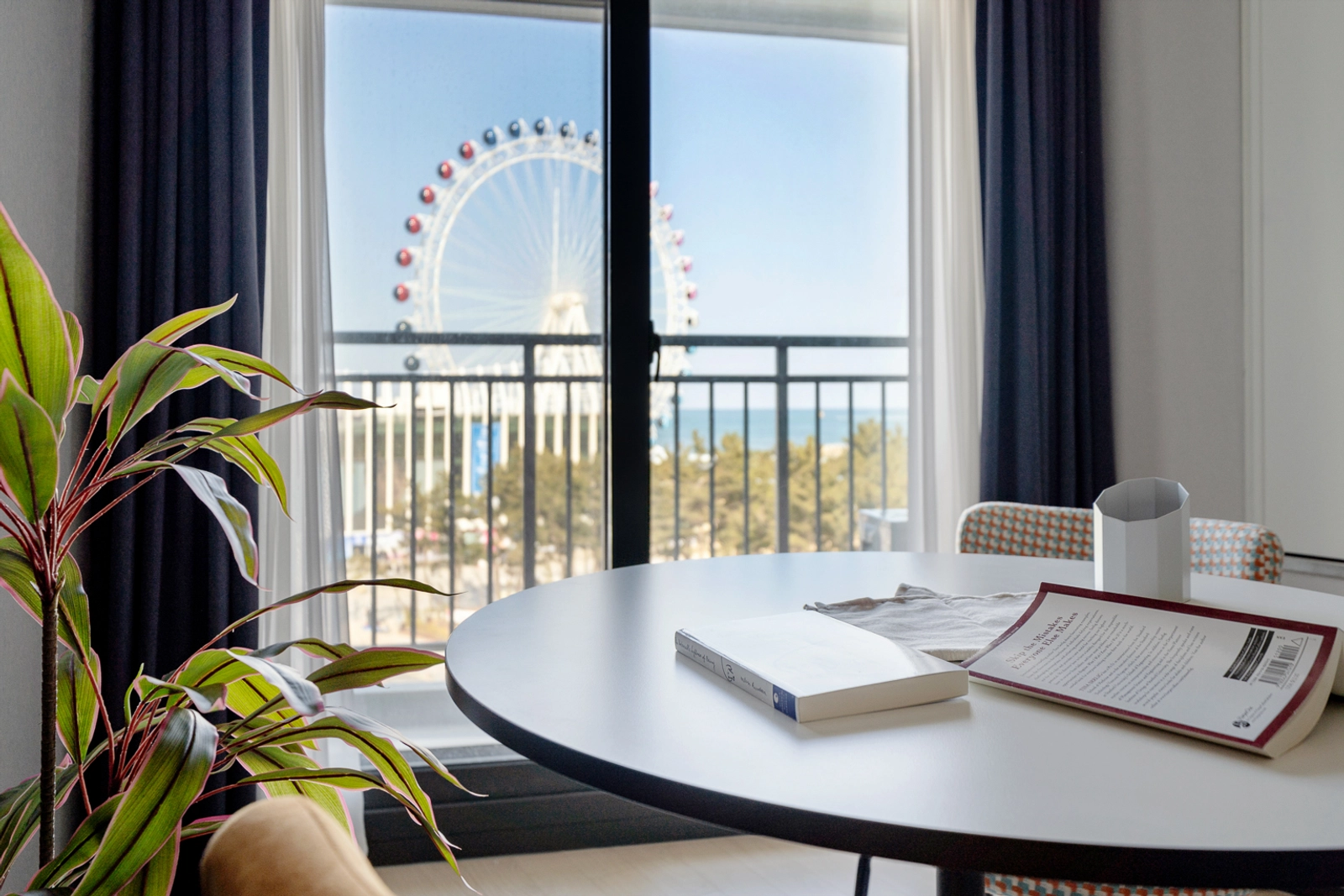
임대인 가이드
Pet-friendly short-term rentals: 3 rules to set before disputes arise
A guide to setting pet limits, checkout inspections, and extra charges before offering a pet-friendly short-term rental.
2026.11.13 · Plott LIFE
Move-in guide
Pet-friendly short-term rentals: 3 things to ask the host before you book
What to ask the host before booking a pet-friendly rental: size limits, extra charges, and damage rules.
2026.11.13 · Plott LIFE
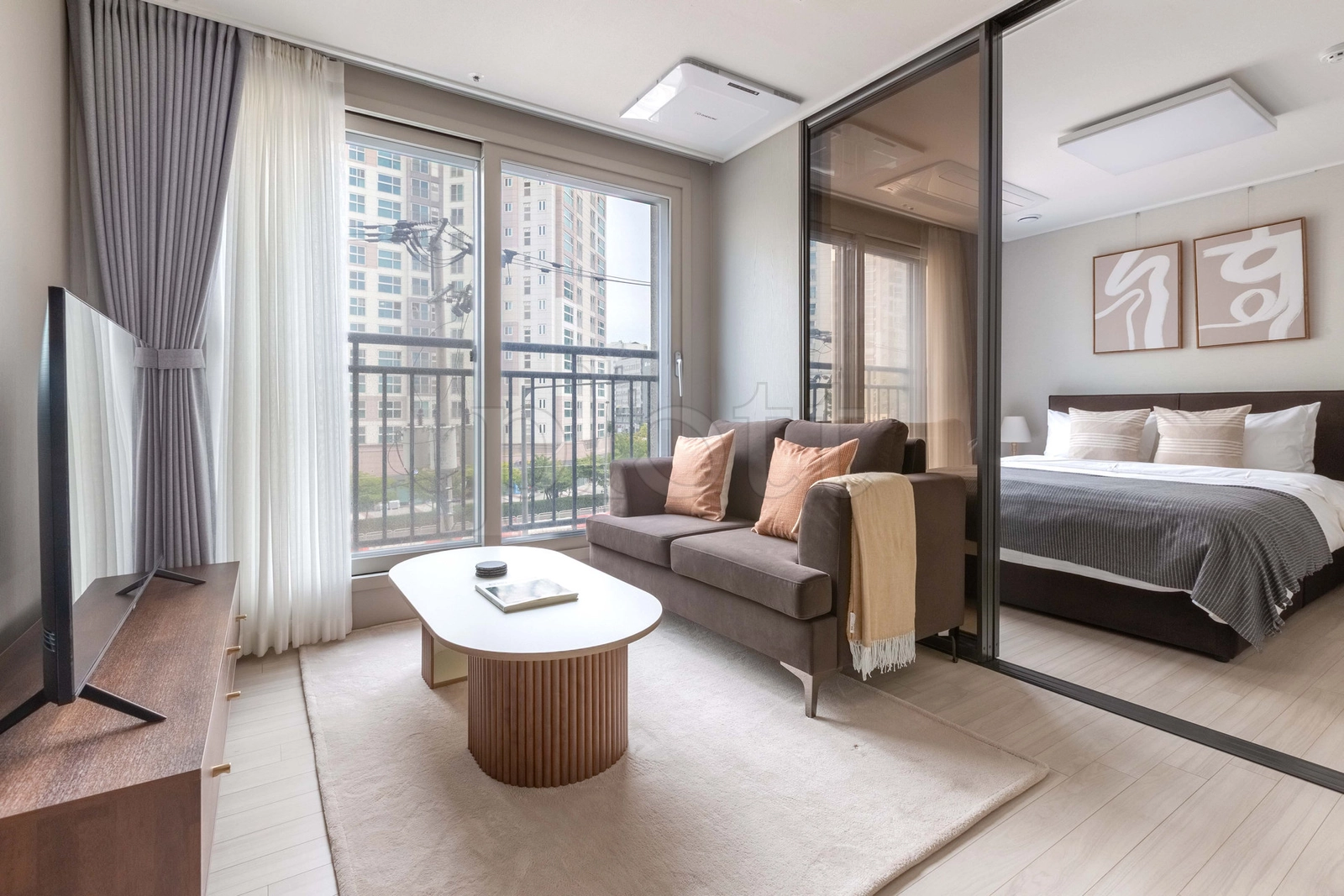
임대인 가이드
A Guest Wants to Change Their Booking Dates? 3 Things Hosts Should Check First
What to know when a guest asks to change a short-term rental booking: date changes within the same period, cancellation and rebooking if the stay length changes, and refund rates.
2026.11.11 · Plott LIFE
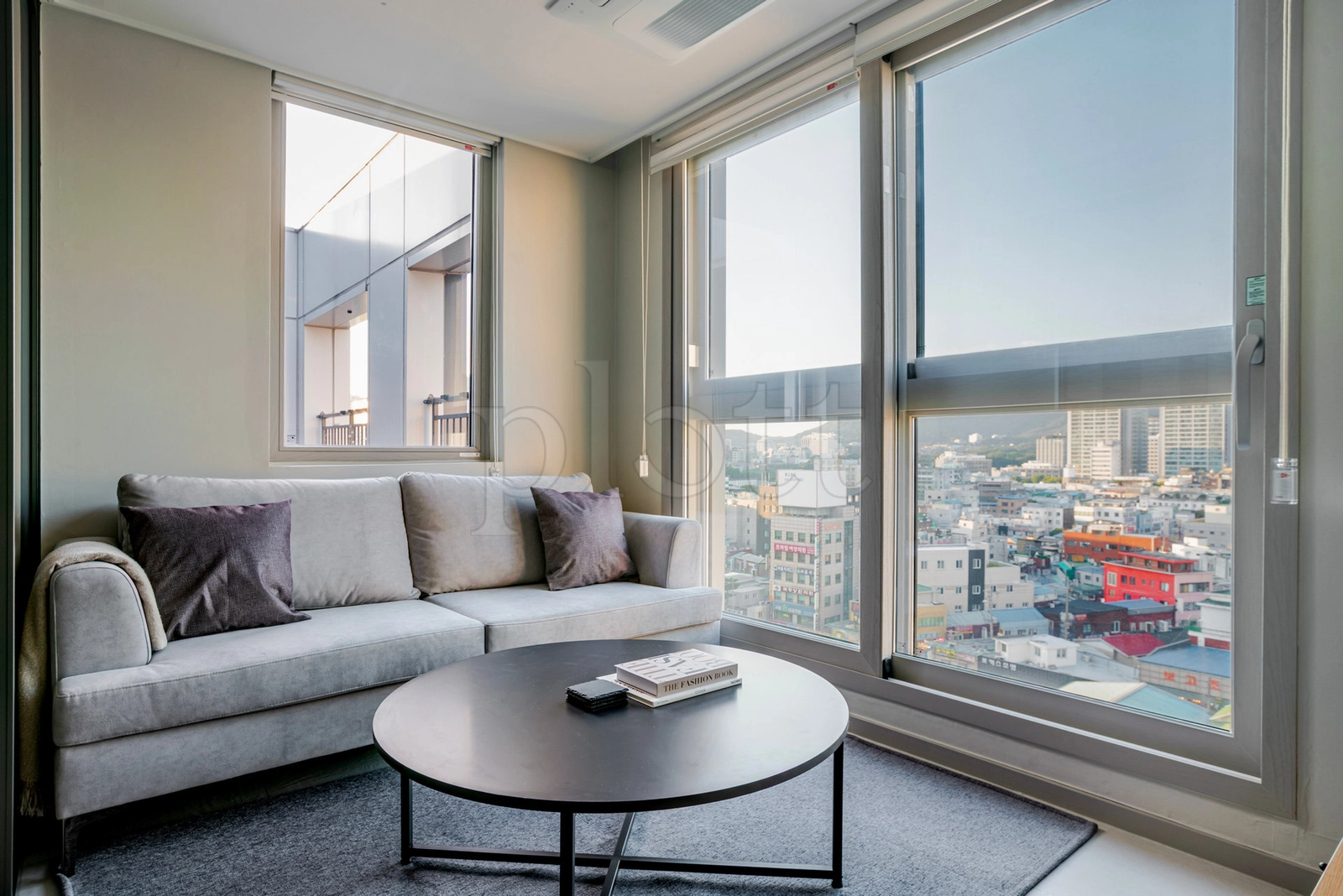
Move-in guide
Can You Change Your Short-Term Rental Move-In Date? Same Booking Length Only—Not on Move-In Day
Can you change your short-term rental dates before move-in?
2026.11.11 · Plott LIFE
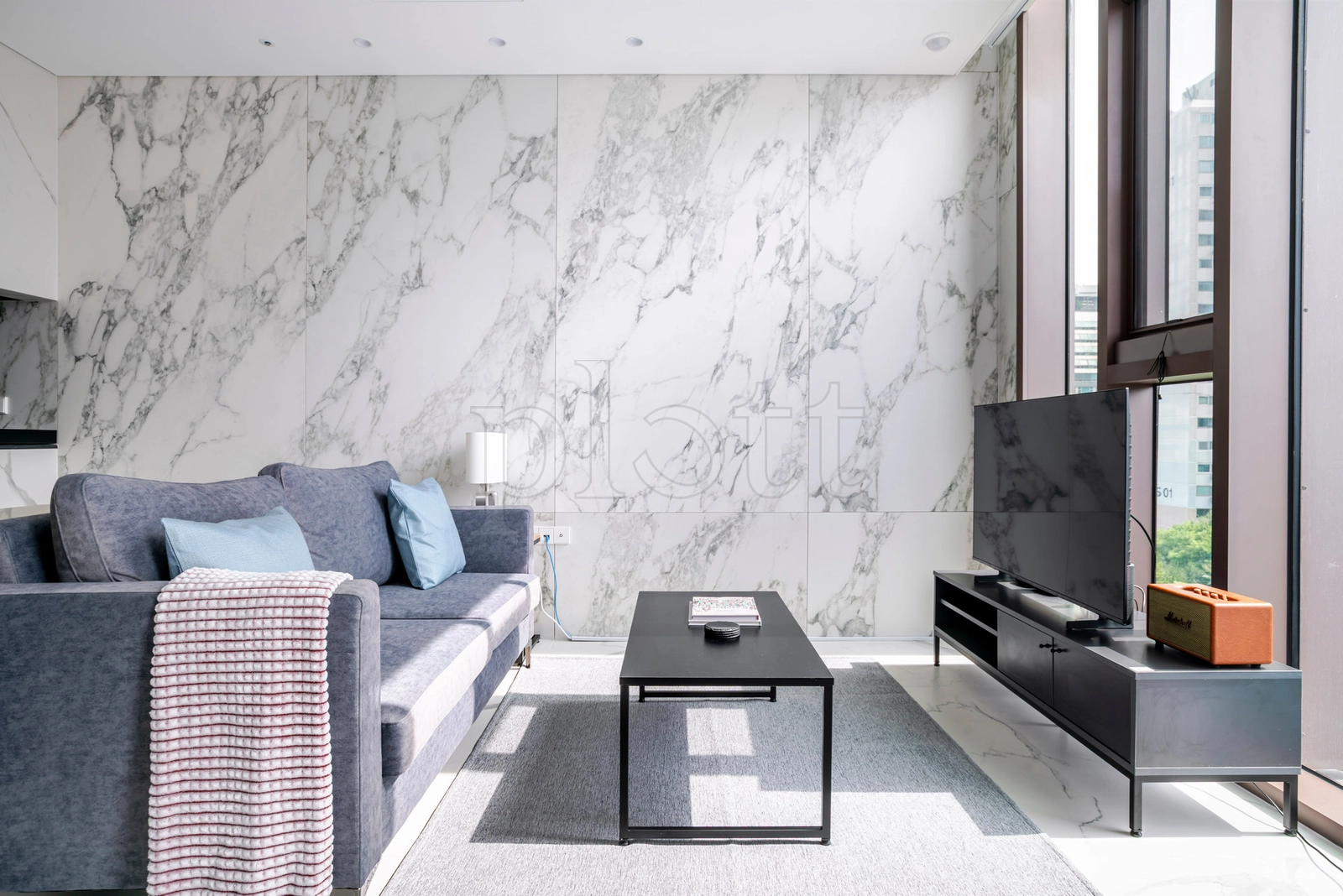
임대인 가이드
Monthly Rent vs. Short-Term Rentals: Calculate How Many Vacant Days You Can Afford
Compare monthly rent and short-term rental income by seeing how many vacant days you can afford.
2026.11.11 · Plott LIFE
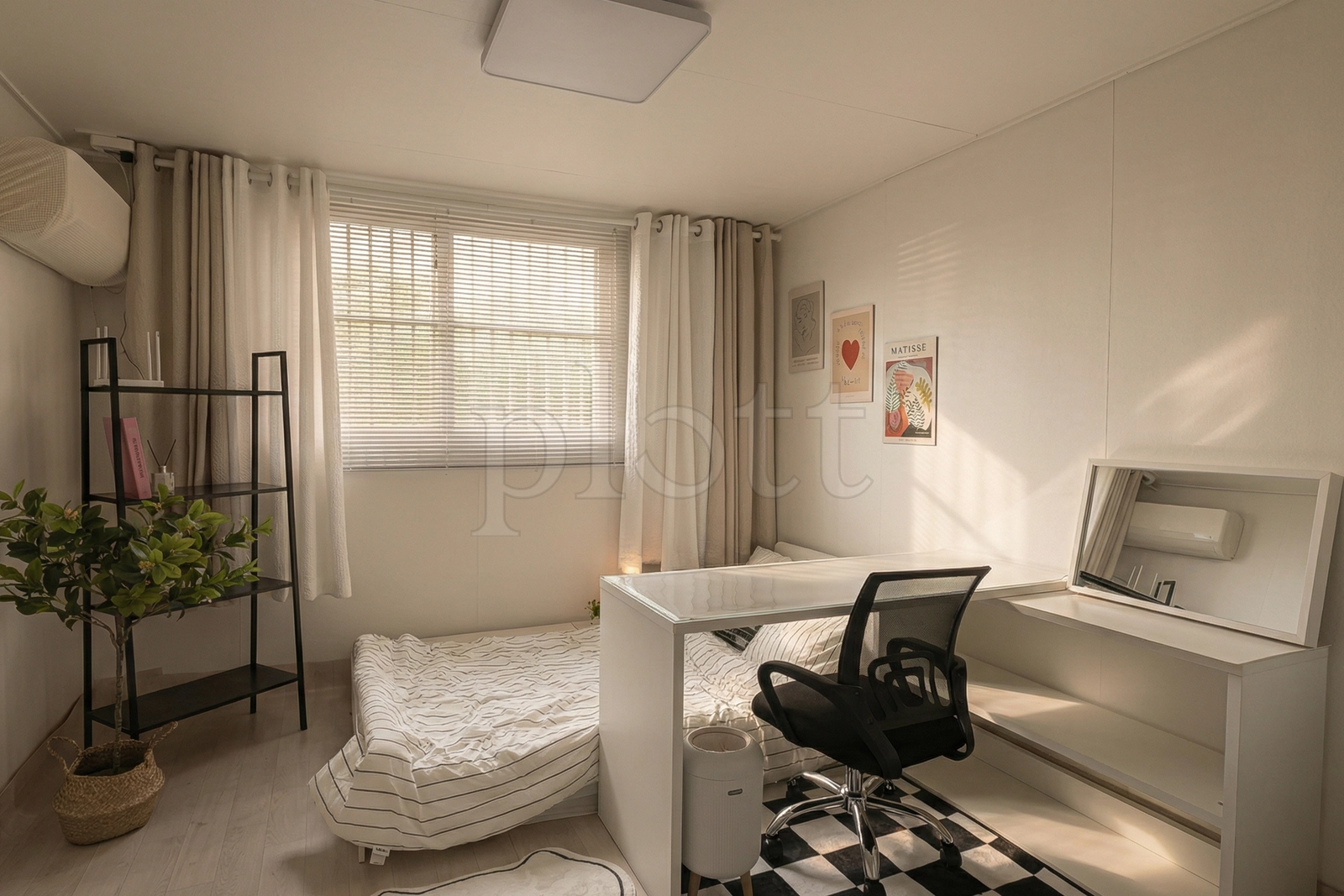
Move-in guide
Booking a Month in Seoul? 4 Things to Check in the Room Details First
Before booking a month-long stay in Seoul, we checked minimum stays, Instant booking and listed amenities across 340 rooms and summed up four things to look for in the room details.
2026.11.11 · Plott LIFE
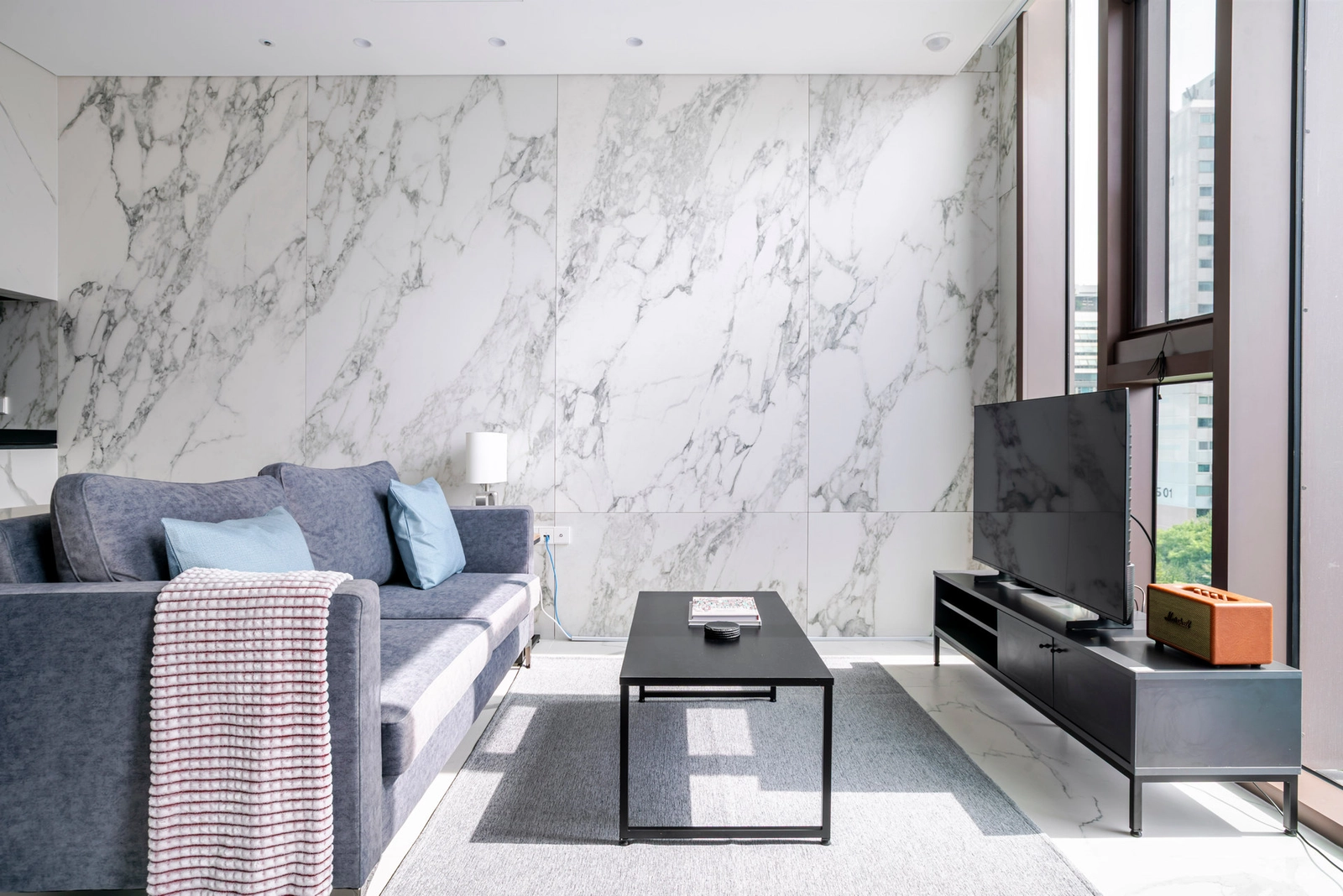
Move-in guide
Short-term stays in Korea for family, friends, and coworkers visiting from abroad
A guide to short-term rentals for family, friends, or coworkers visiting Korea, based on minimum stays and amenities across 340 rooms.
2026.11.09 · Plott LIFE
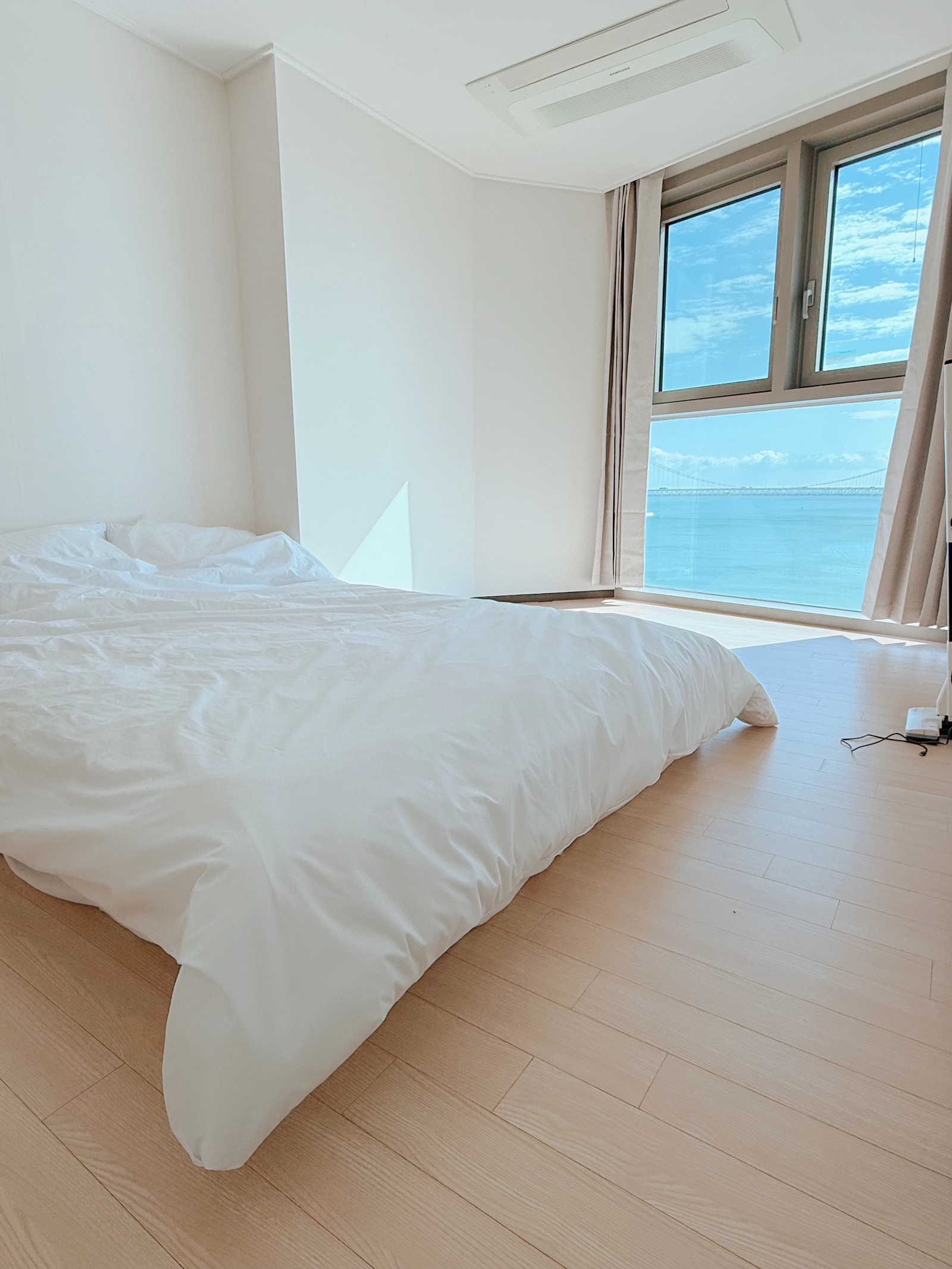
임대인 가이드
Not sure what deposit to set? Short-term rental deposit ranges by stay length
Not sure what deposit to set?
2026.11.09 · Plott LIFE
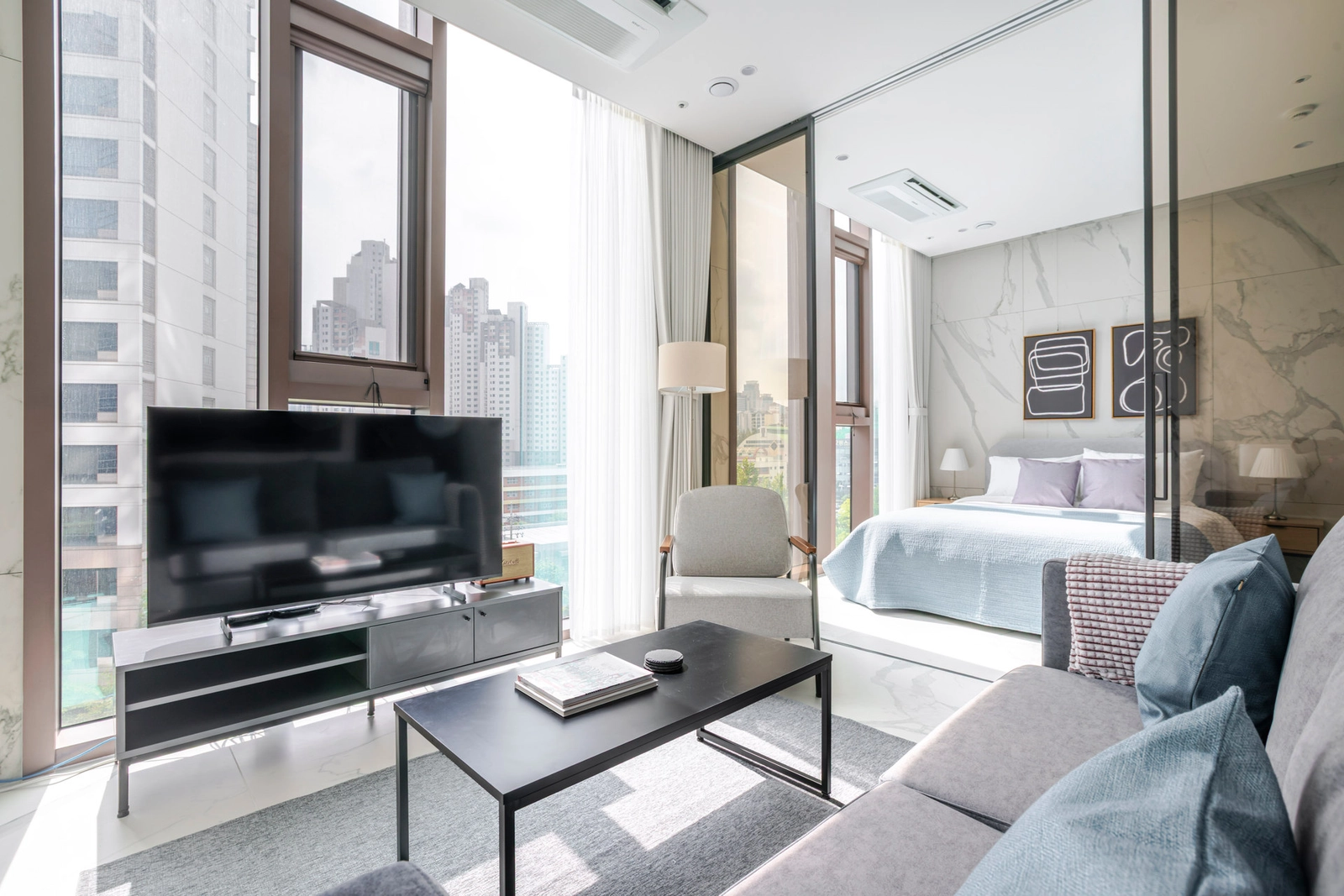
임대인 가이드
Prevent Frozen Water Meters in Your Rental: 3 Checks for Empty Rooms Before Winter
A Seoul City–based guide for hosts: 3 winter checks for empty rooms, the 4 freeze alert levels, and what to do if a water meter freezes.
2026.11.06 · Plott LIFE
Move-in guide
Seoul University Dorms: What If You Don't Get a Room?
Seoul university dorms follow fixed semester dates, and a room isn't guaranteed.
2026.11.06 · Plott LIFE